Security & Privacy
Keep your laptop safe in public and on the go—physical locks, tracking devices/apps, privacy filters, and anti‑theft best practices.
Top Articles
Security & Privacy
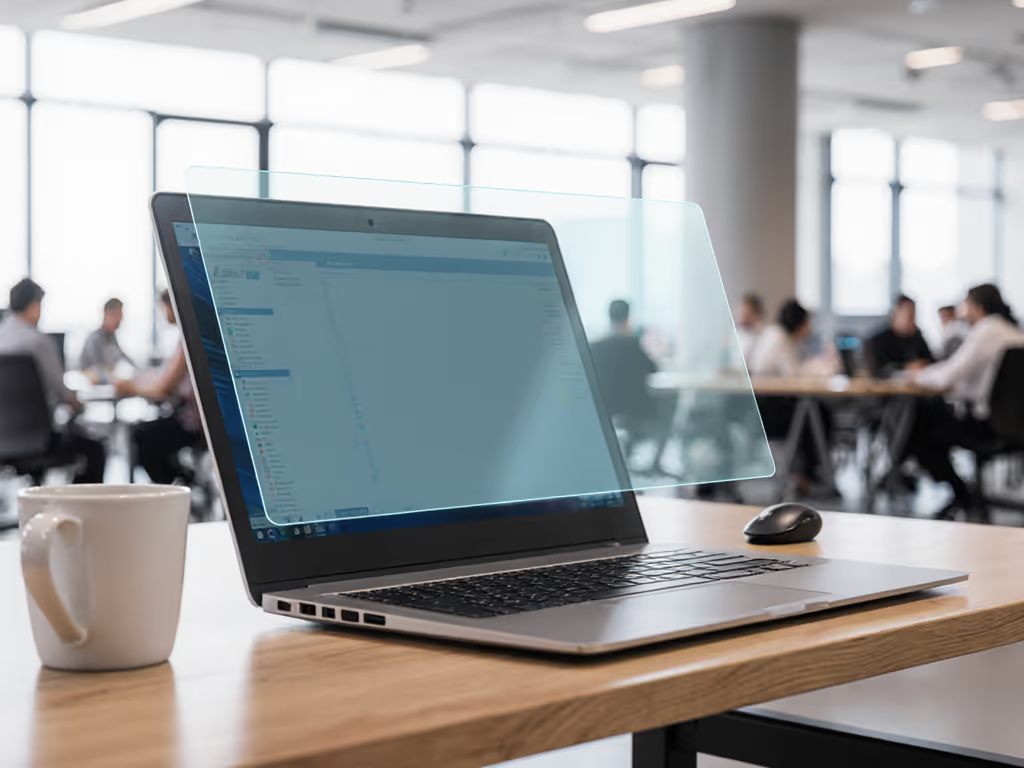
Computer Screen Privacy: How Privacy Filters Work
Learn how micro‑louver optics block off‑axis views and use a practical checklist to measure, select, and validate a filter that fits your screen. Prevent side‑angle snooping while avoiding pitfalls like poor cutoff calibration, glare, and battery drain.
Security & Privacy
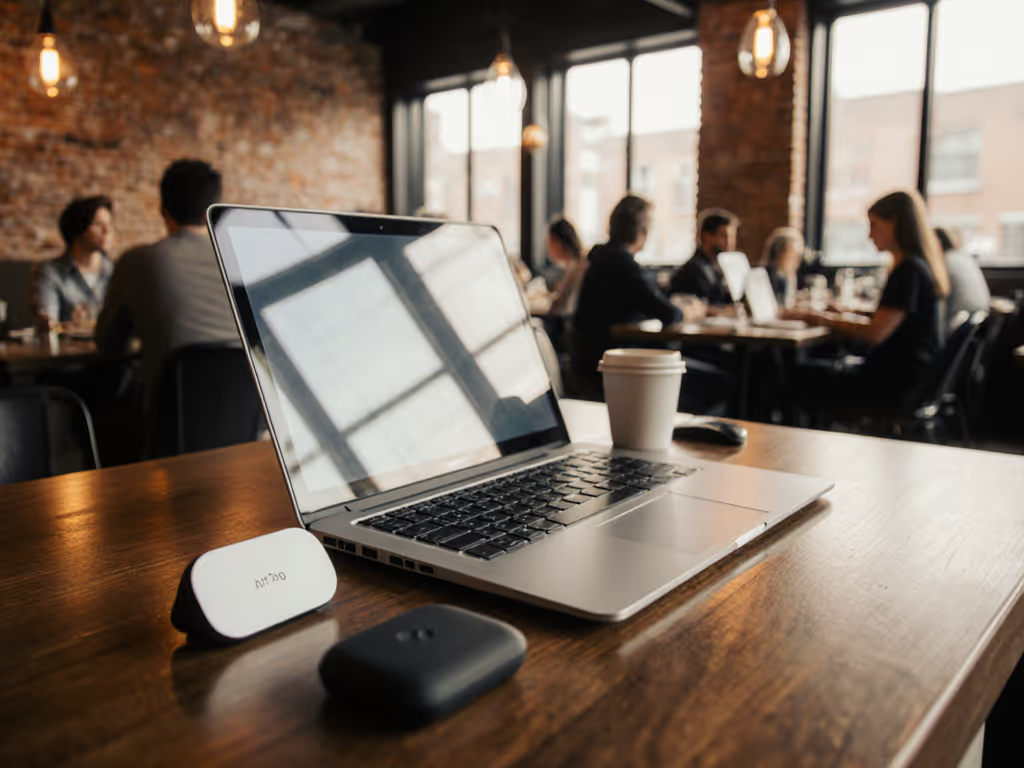
Best Bluetooth Laptop Tracker: Tile vs AirTag Compared
Compare AirTag and Tile Mate for laptop workflows with real‑world results on signal resilience, battery reliability, and ecosystem trade‑offs. Apply the mounting tips and recovery drills to locate a misplaced laptop quickly and discreetly, whether on Mac or cross‑platform teams.
Security & Privacy
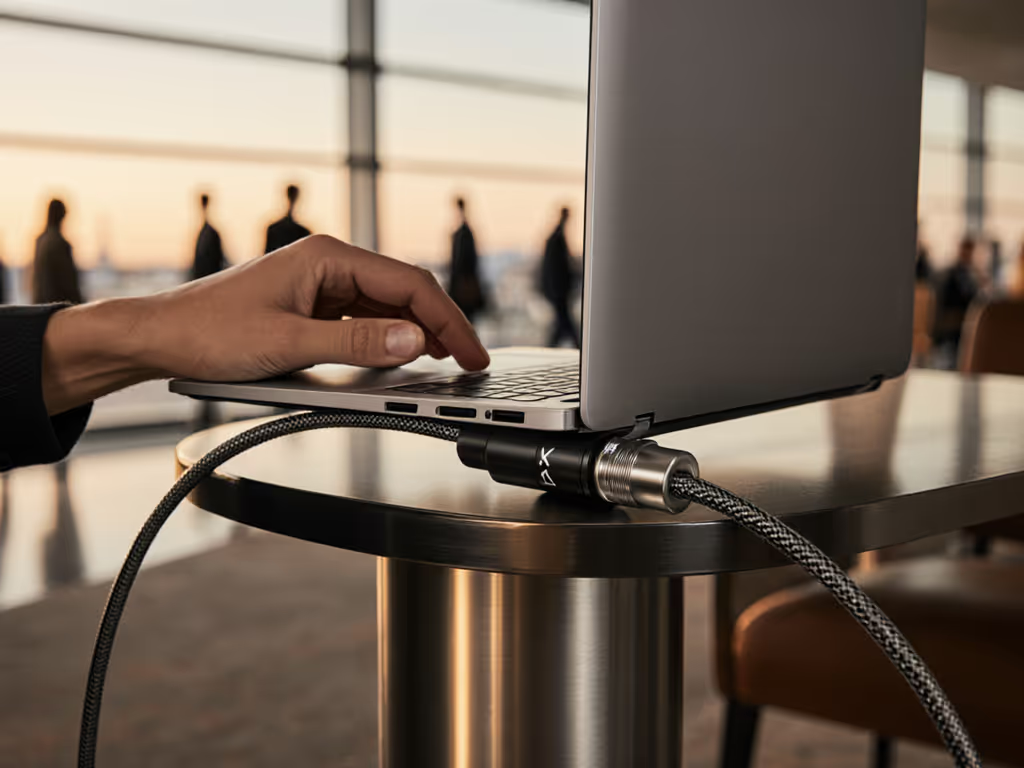
K-Slot Lock Guide: Prevent Laptop Theft Effectively
Use a protocol-driven checklist to select the right K-slot lock for any laptop and environment - identify the exact slot type, run simple fit tests, and align with asset and travel workflows. Gain practical specs and standards-based practices that reduce deployment failures and theft risk.
Explore Other Topics
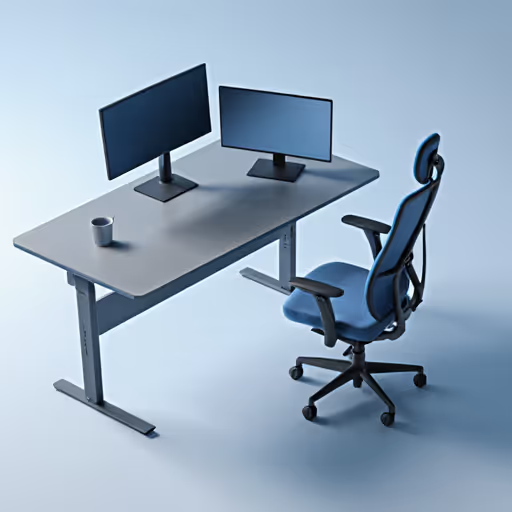
Monitors, Stands & Ergonomics
External displays and stand solutions that improve posture, comfort, and productivity.
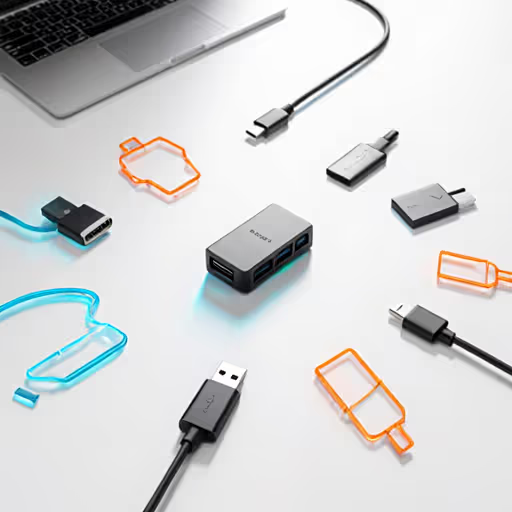
Docks, Hubs & Connectivity
Port expansion, USB‑C hubs, docking stations, and multi‑monitor connectivity guidance.
Keyboards & Mice
Comparisons and guides for keyboards and mice, focusing on performance, latency, ergonomics, and battery life.
Power & Cooling
Portable charging and thermal management, including power banks and cooling pads.