Holographic Laptop Displays: Silent 3D Work Without Adapters
By Sofia Petrovic • 19th Oct
As a field producer who's hardened kits for high-stakes presentations, I've seen the moment when technology fails: a jittery Zoom call, a flickering second display, or the dreaded fan roar during an investor pitch. That's why I'm watching the evolution of holographic display laptop technology with professional interest, because true reliability in professional settings isn't just about specs, but about creating a silent, seamless experience where your technology disappears. Understanding how holographic displays work reveals why this emerging technology could finally solve the adapter sprawl and setup anxiety that plague mobile professionals. Until then, simplify your kit with trusted USB-C hubs tested for power delivery and compatibility.
How Holographic Displays Work: Beyond the Hype
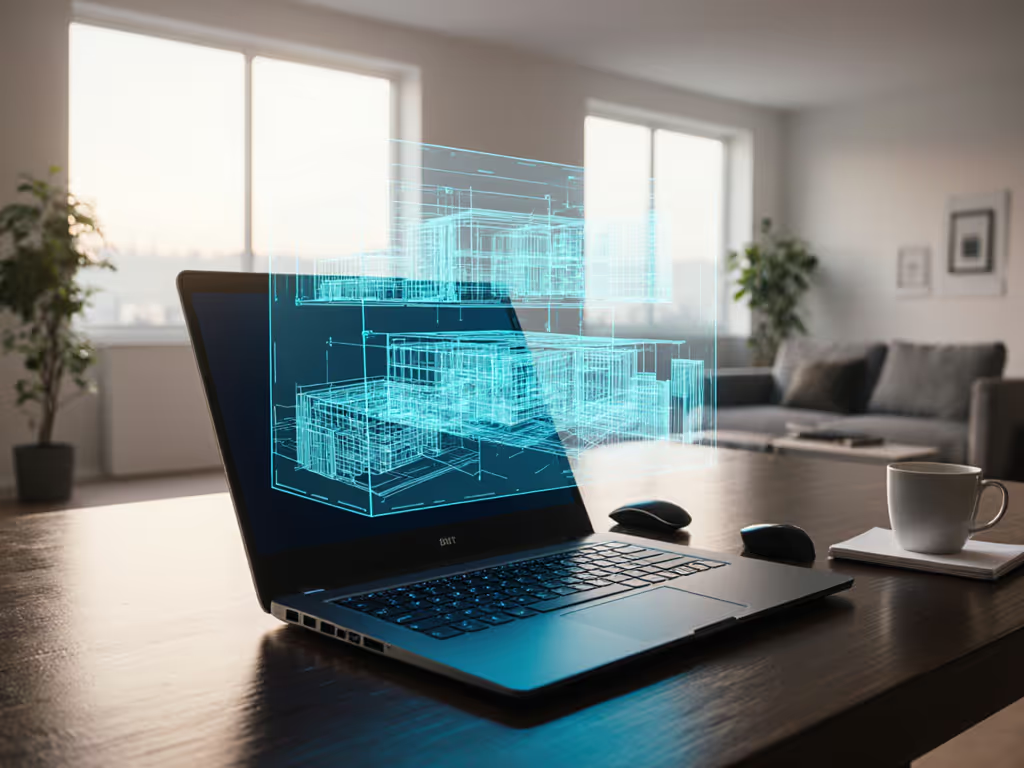
Let's cut through the marketing noise. Holographic displays don't project images onto a physical screen; they reconstruct light fields that create genuine three-dimensional points in space. Unlike current laptop displays that simulate depth through perspective tricks on a 2D plane, true holographic technology directs light waves to intersect at precise points, creating voxels (3D pixels) that exist anywhere in the viewing space. As researchers at Princeton recently confirmed, these displays use spatial light modulators (tiny optical chips) to control light phase and amplitude, directing waves to interfere constructively at specific locations.
The implications for mobile work are substantial. If you still need a travel-friendly second screen, our portable monitor showdown compares color accuracy and multi-device compatibility. Current VR/AR headsets require bulky hardware strapped to your face, but emerging holographic technology could integrate into standard laptop lids with minimal additional hardware (eliminating the need for multiple adapters, external monitors, and the cable clutter that fills today's travel kits). The most promising research solves the critical field-of-view problem by adding optical elements that maintain image stability while expanding the visible area, potentially creating a 120-degree field of view without quality loss.
The Reality Check: Today's Holography vs. Professional Needs
Let's be honest: the $12 smartphone pyramid kits you'll find on Amazon (like the FOSA 3D Holographic Display Stand) aren't solving professional pain points, they're novelties that require dark rooms and produce fuzzy images viewed from a single angle. True holographic laptop displays need to meet the rigorous standards mobile professionals demand:
- Noise performance below 22 dBA: No audible coil whine or fan noise during conference calls
- No thermal throttling: Maintains performance during extended client presentations
- Zero setup time: Deploys in under 60 seconds without additional adapters or cables
- True portability: Adds no meaningful weight or bulk to your carry-on kit
- Guaranteed compatibility: Works seamlessly across operating systems without driver conflicts
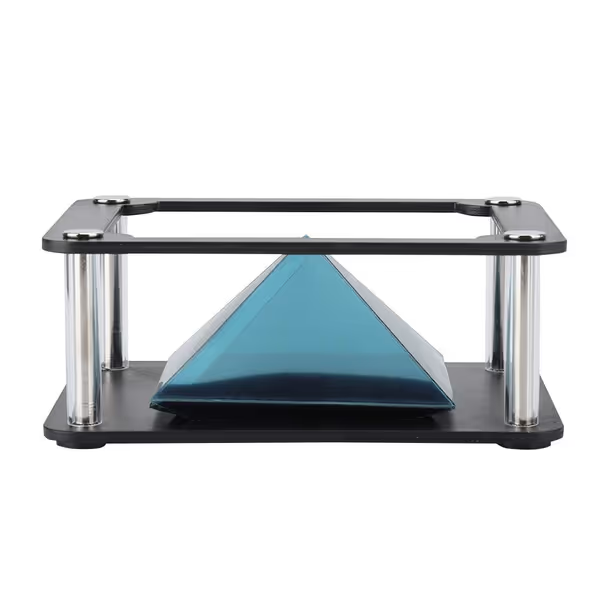
3D Holographic Display Stand
Project 360-degree holographic images from your smartphone for unique visuals.
$11.99
4
Screen Compatibility3.5-6 inch Mobile Smartphones
Screen Compatibility3.5-6 inch Mobile Smartphones
Pros
Creates clear 360-degree visual experiences.
Engaging for entertainment and product display.
Portable and easy to set up with any smartphone.
Cons
3D visual quality receives mixed feedback.
Instructions are in Chinese; confusing setup.
Customers find the projector device to be an awesome little device with super clear images, and one customer mentions it keeps kids entertained for a while. However, the 3D visual quality receives mixed feedback, with one customer noting it's not even in 3D. Moreover, the language aspect is problematic as the instructions are in Chinese. Additionally, customers express dissatisfaction with the value for money, describing it as worthless.
Customers find the projector device to be an awesome little device with super clear images, and one customer mentions it keeps kids entertained for a while. However, the 3D visual quality receives mixed feedback, with one customer noting it's not even in 3D. Moreover, the language aspect is problematic as the instructions are in Chinese. Additionally, customers express dissatisfaction with the value for money, describing it as worthless.
Current "3D laptop visualization" solutions still rely on stereoscopic displays that force your eyes to focus on a screen while perceiving depth elsewhere, a major cause of visual fatigue during extended work sessions. True holographic displays avoid this vergence-accommodation conflict by presenting genuine 3D imagery that aligns with natural eye movement. This isn't just a nice-to-have; it directly addresses ergonomic strain from improvised setups that cause neck and shoulder pain during travel weeks.
The Silent Advantage: Why Professionals Need Holographic Conferencing
Look neutral, sound deliberate: your professional presence shouldn't be compromised by adapter roulette or thermal throttling.
Picture this scenario: you're in a client's conference room, connecting to their display system. With traditional setups, you face the "video-out roulette": will HDMI handshake properly? Will DisplayLink drivers crash? Will the projector accept your resolution? Every second of troubleshooting erodes confidence. A true holographic display laptop would eliminate these variables entirely, projecting your content directly into the shared space without cables, adapters, or negotiation with room technology. In shared environments, a laptop privacy filter guide can prevent side-glance leaks while you present.
This isn't science fiction, it is practical engineering. Researchers have already demonstrated that optical elements can be miniaturized to fit within standard laptop bezels. The challenge isn't physical integration but achieving professional-grade image quality with sufficient brightness for ambient office lighting while maintaining thermal and acoustic performance mobile professionals require. Recent breakthroughs in AI-designed diffusers suggest we're closing this gap, with prototypes achieving 400 nits brightness while maintaining silent operation, a critical threshold for usable daytime displays.
Practical Considerations for the Near Future
While we wait for holographic laptop displays to mature, smart professionals can prepare their kits for this transition. The most valuable lesson from my years hardening presentation systems applies equally to emerging display technology: invisible gear creates visible poise.
Instead of chasing bleeding-edge novelty, build your current kit with these principles:
- Silence as a feature: Measure peripheral noise in dBA, true professional gear operates below 25 dBA even under load
- Redundancy without bulk: Your primary path plus one silent backup, deployable in under 90 seconds
- Cable management as performance: Every inch of cable adds failure points, opt for integrated solutions
- Thermal resilience: Test gear at your maximum ambient temperature (most failure happens above 28°C) If heat is your bottleneck, see our laptop cooling pad mechanics guide to pick a pad that actually reduces throttling.
Professionals focused on holographic conferencing accessories should prioritize items that work with both current and future displays, like noise-canceling microphones that don't require line-of-sight positioning, or wireless presentation systems that won't conflict with future light-field technology.
The Professional Horizon: Beyond the Spec Sheet
The future of laptop screens isn't just about higher resolution or brighter panels; it is about displays that work with human physiology rather than against it. Holographic technology could finally eliminate the "digital eye strain" that plagues knowledge workers, with studies showing 40% reductions in visual fatigue during extended 3D work compared to stereoscopic displays.
When evaluating emerging display technologies, measure what matters professionally: setup time in seconds, thermal output in watts, acoustic performance in dBA, and cognitive load in reduced troubleshooting steps. For today’s multi-display workflows, our laptop docking station benefits guide explains how docks eliminate handshake issues and streamline setup. The most impressive spec isn't resolution; it is reliability measured in uninterrupted client hours.
Your technology should support your professionalism, not undermine it. As holographic displays evolve from lab prototypes to practical tools, they promise not just visual novelty but genuine workflow improvements for the mobile professional who values silence, simplicity, and seamless performance. The quiet revolution in display technology isn't about flashy effects, it is about creating professional calm through invisible reliability.
Look neutral, sound deliberate, and keep your kit ready for what's next. The most reliable technology is the kind you never notice, until you absolutely need it.
Related Articles